Members find each other.
A directory on your website, straight from your member records. Search by name, city, country and topic. Members choose to be listed and can write to each other without showing their email address.
Opens as Dr. Anna Weber, a member · sample data, nothing is charged
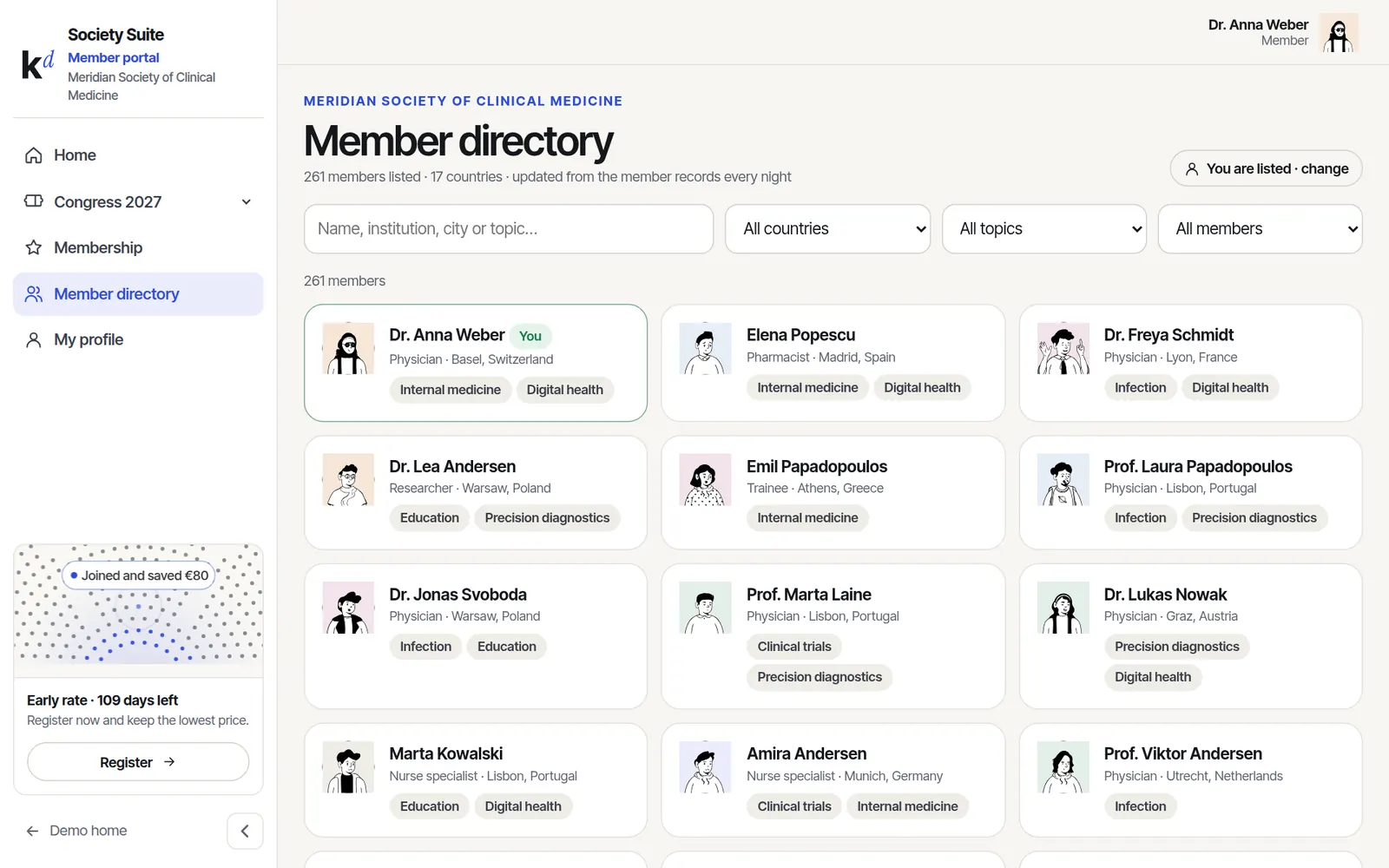
Member directory, in short.
Search that works
Name, institution, city, country and topics, with filters for membership type.
Always up to date
Fed every night from your member records. Nobody maintains a second list.
Members decide
Listing is opt-in from the member profile. Email addresses are never shown.
Private messages
Members write to each other through the directory; the address is shared only if they reply.
Real screens, sample data.
Everything below is clickable in the live demo. Nothing is charged and nothing is sent.
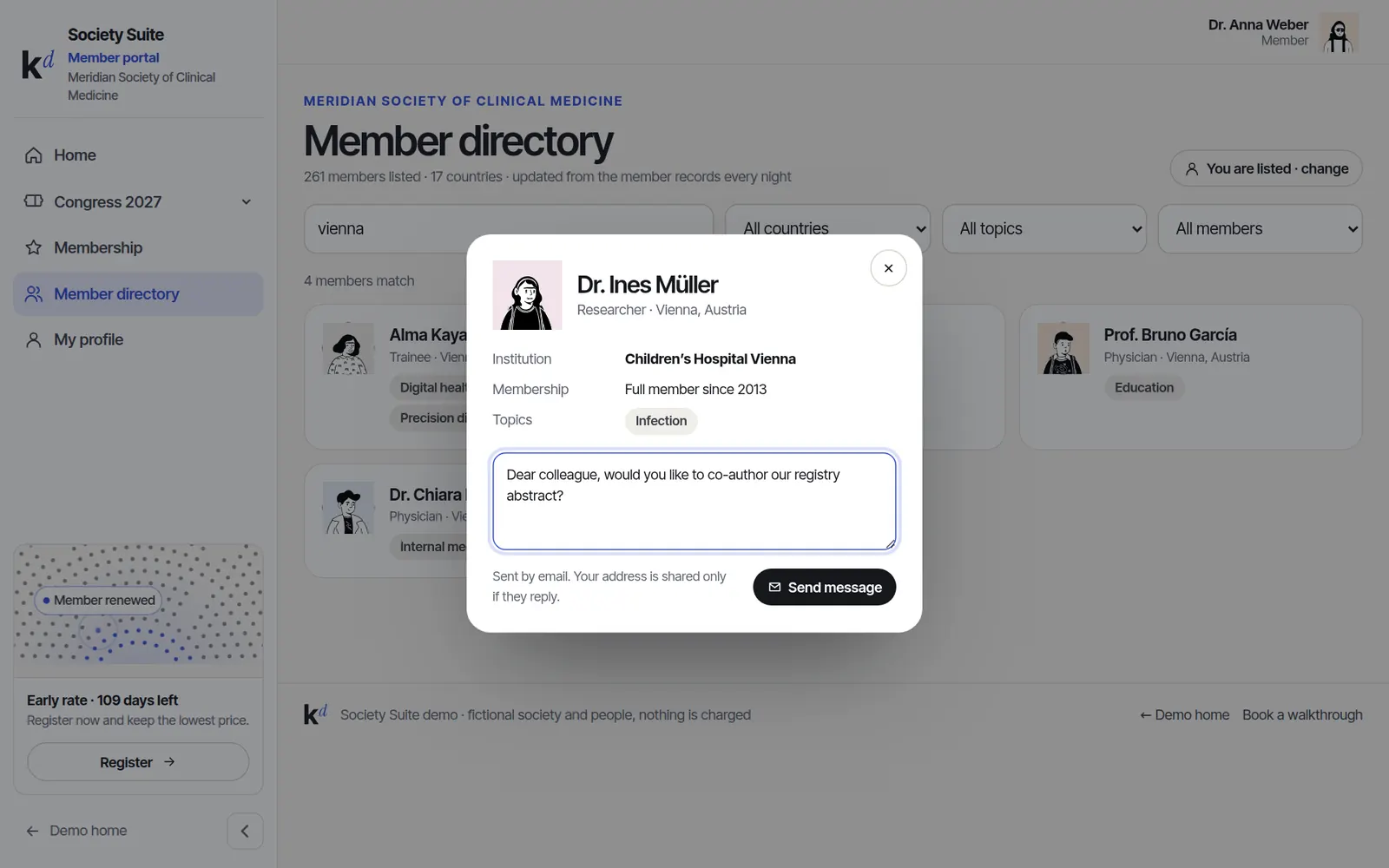
Find a co-author in a minute
Filter by topic and city, open a profile and send a message. Great for abstracts, working groups and finding speakers.
- Topics from the member profile
- Roles like board or committee shown
- Messages go by email, privately
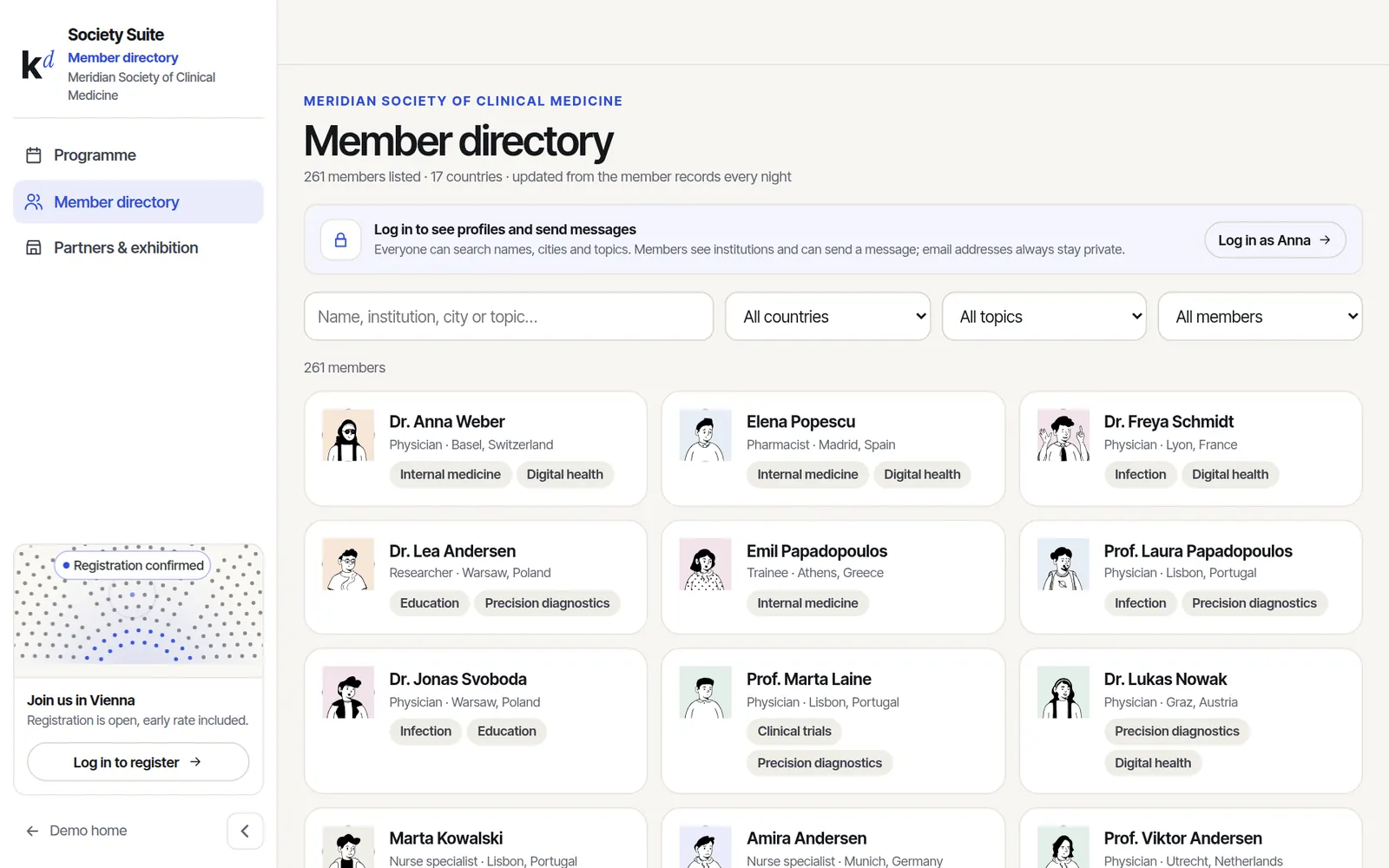
Public, but careful
Visitors can search names, cities and topics. Institutions and messaging are for members only, a small reason to join.
- What is public is your choice
- Log in with the member account
- Hidden members never appear
Live in weeks, not months.
- 01Choose the fields
What is public, what is for members, which topics people pick.
- 02Connect the CRM
Members and their consent come from your member records.
- 03Invite members
A short email asks them to check their listing.
- 04Go live
The directory runs on your website and in the member portal.
Good to know.
Is it GDPR-friendly?
Yes. Listing is opt-in, email addresses are never shown and members can hide themselves at any time.
Where does the data come from?
From your CRM or member database, synced every night, so there is one source of truth.
Can it show only some members?
Yes, for example only full members, or only people who chose to be listed.
Click through it before we talk.
The demo runs a made-up society with sample data. Switch between the member, organiser, partner, group and finance views with the settings button.