Sponsors book, your team relaxes.
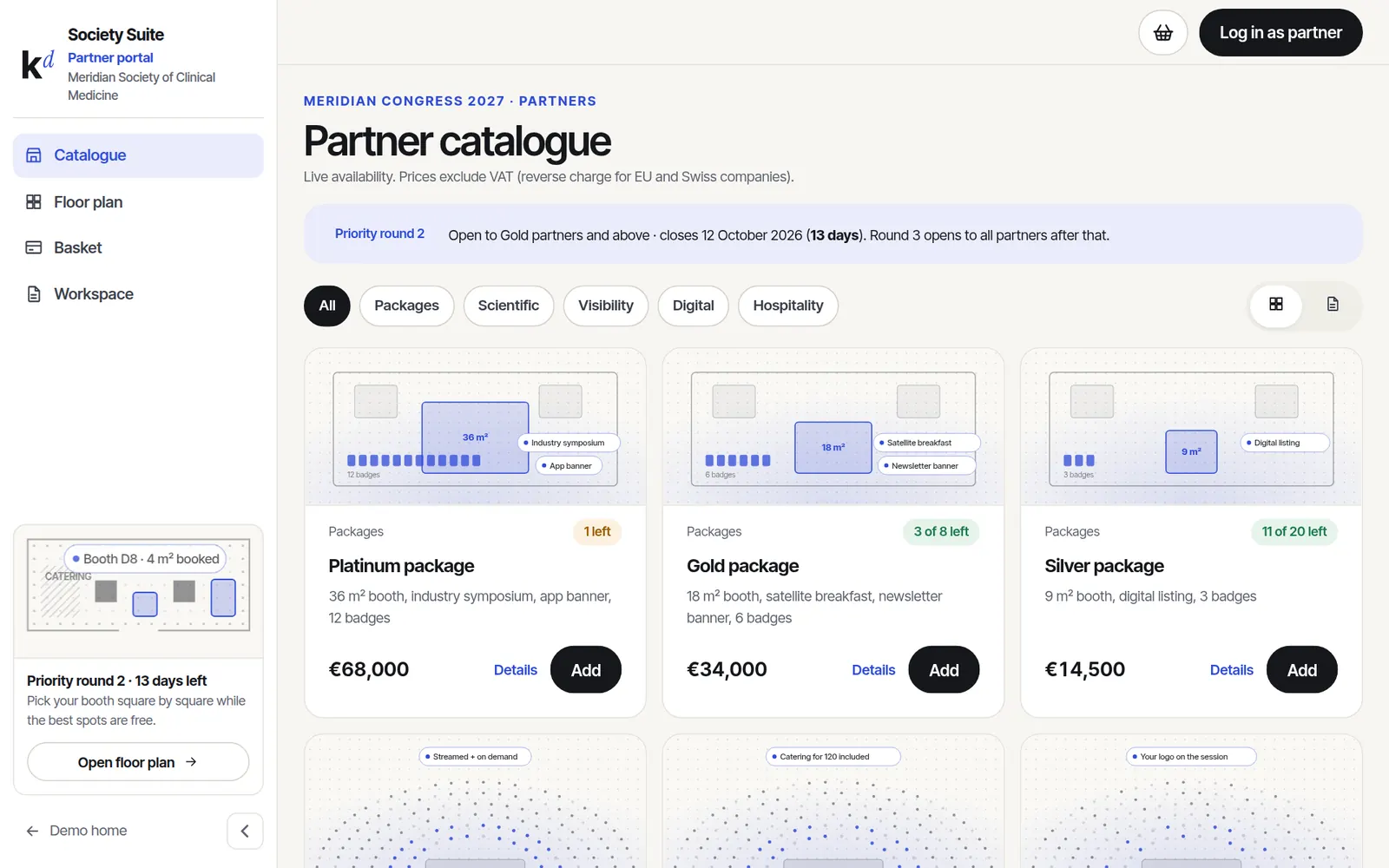
Your full sponsorship and exhibition catalogue online. Partners pick packages, draw or pick their booth on a live floor plan, send one order and upload their materials. No more email ping-pong.
Opens as the partner catalogue · sample data, nothing is charged
Partner portal, in short.
The whole catalogue
Packages, symposia, branding, app ads and hospitality, with live availability and priority rounds.
Live floor plan
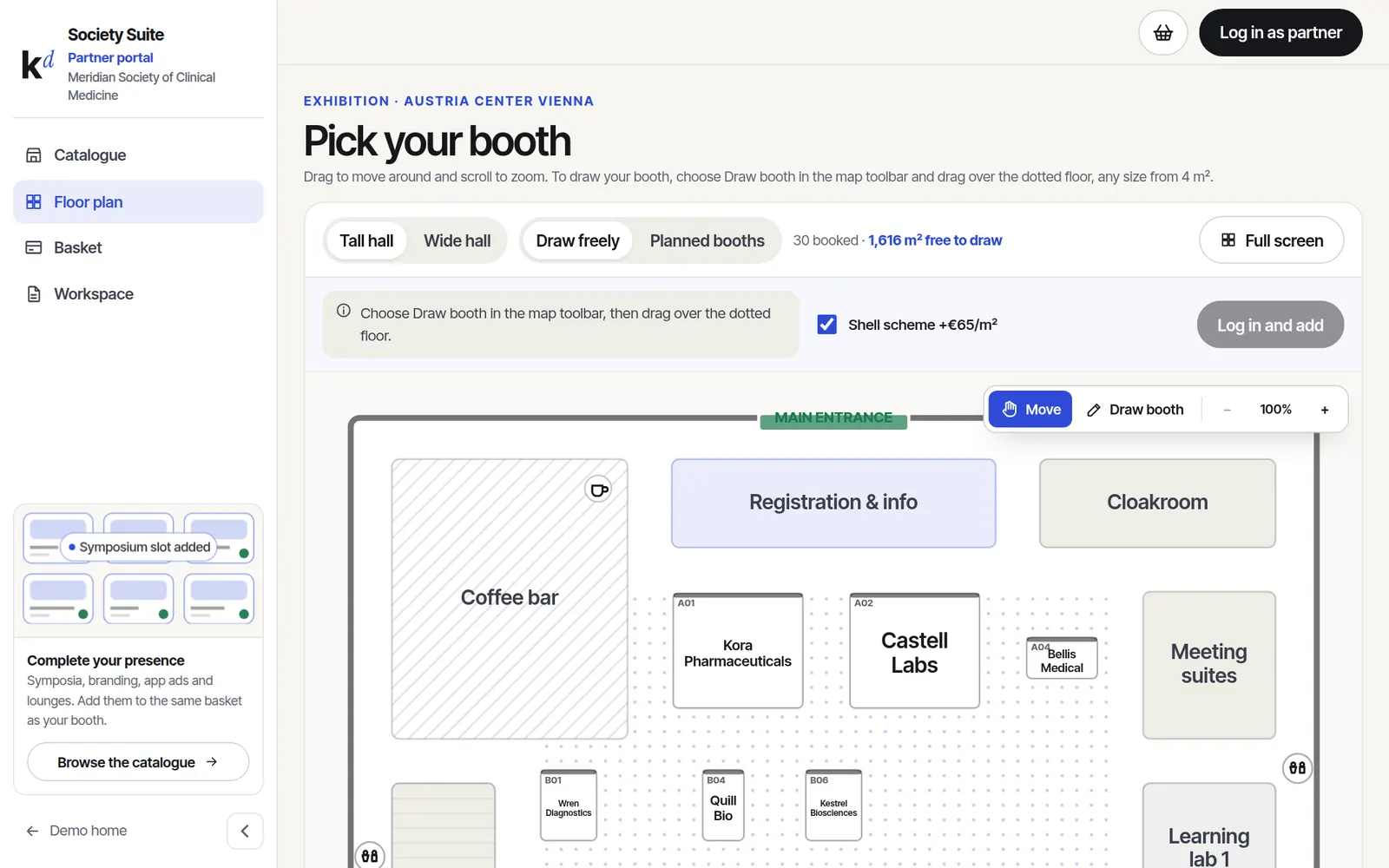
Pick a planned booth or draw one of any size. Reserved space shows at once, without names.
One basket, one order
Booth and items together, with shell scheme and VAT worked out.
Partner workspace
Artwork uploads, staff badges and key dates in one place after booking.
Real screens, sample data.
Everything below is clickable in the live demo. Nothing is charged and nothing is sent.
Booths on a real floor plan
Exhibitors zoom and move around the hall and draw their booth square by square, or pick a planned one. Rules like minimum size are checked as they draw.
- Tall and wide hall layouts
- Draw freely or planned booths
- Full screen, zoom and pan
Packages that sell themselves
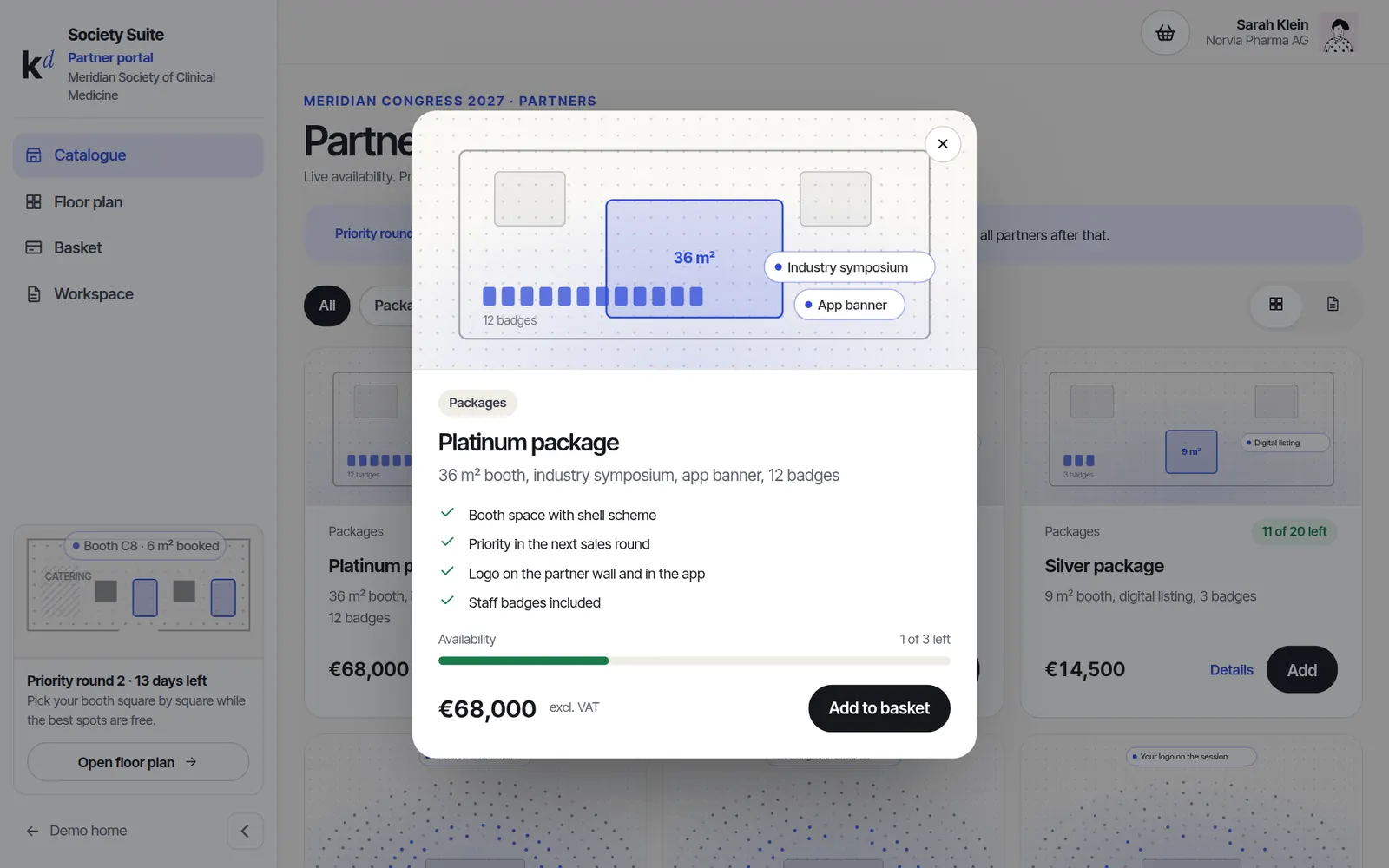
Every item has a picture, what is included and how many are left. Partners add to the basket; your team confirms.
- Priority rounds by partner tier
- Waiting list when sold out
- Order goes to your finance system
Live in weeks, not months.
- 01Your catalogue
Items, prices, stock and rules, plus the floor plan of your venue.
- 02Priority rounds
Top partners book first, then the rest. Dates you set.
- 03Orders
Partners send orders; you confirm and invoice from your system.
- 04Delivery
Artwork, badges and deadlines are tracked in the workspace.
Good to know.
Can we use our own floor plan?
Yes. We draw your hall once, and booths can be planned or free-drawn.
Do partners pay online?
Either online or by invoice, whichever your finance team prefers.
Can it link to our CRM?
Yes, partners, orders and contacts sync to your CRM.
Click through it before we talk.
The demo runs a made-up society with sample data. Switch between the member, organiser, partner, group and finance views with the settings button.